White MSI Eco Series charger in a parking garage
MSI aConnect

Smart Charging, Right in Your Hand

Most charging apps are built for operators, not drivers. aConnect is designed from the ground up with intuitive controls, smart scheduling, and real-time visibility for every MSI charger you own.
iOS & Android
AVAILABILITY
MSI EV Charger
COMPATIBILITY
Bluetooth & Wi-Fi
CONNECTIVITY
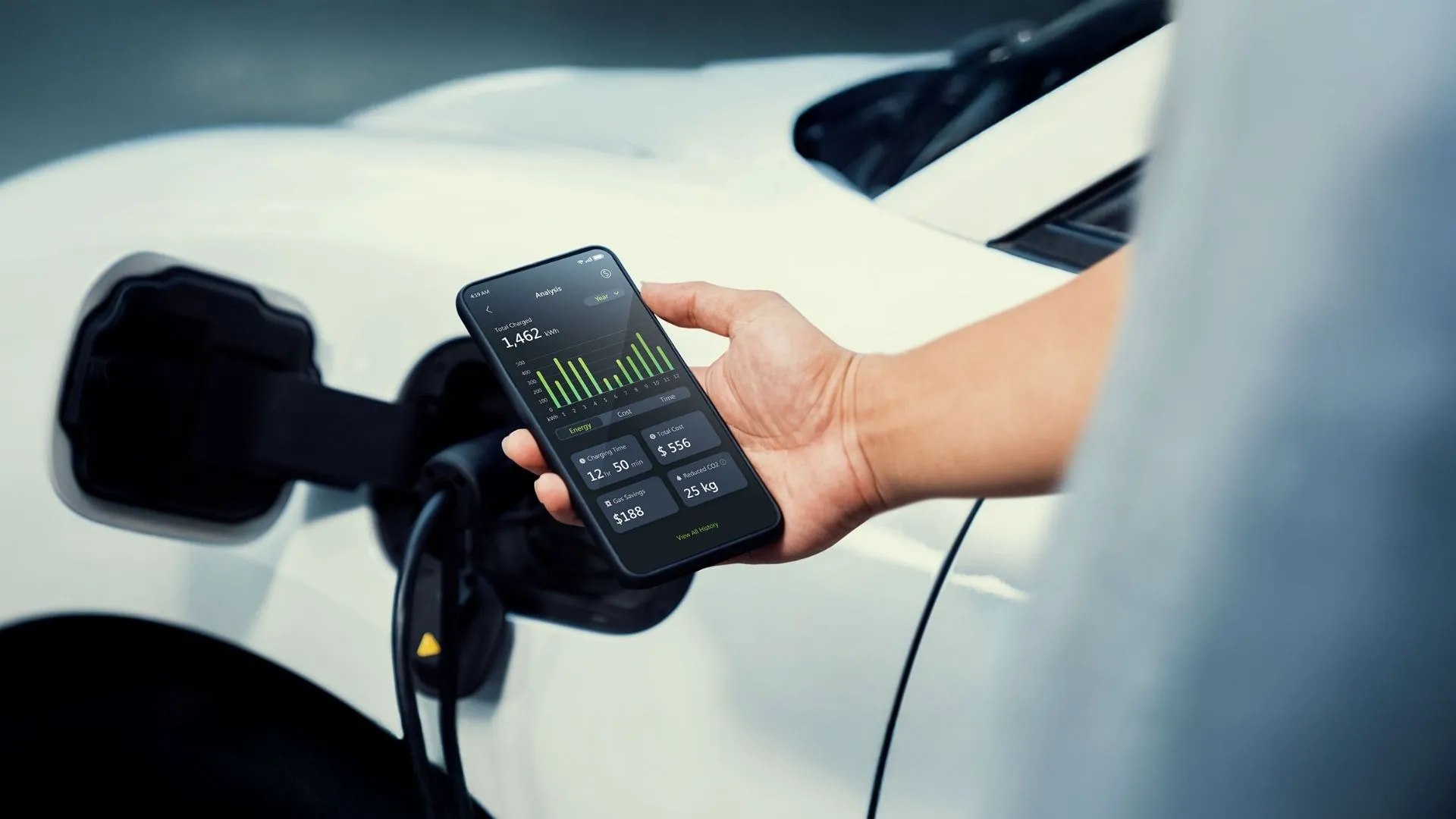
Person using the aConnect app to check charging status for their EV

One app for every MSI charger

aConnect is MSI's own app, built for the full range of MSI chargers. The same interface handles a wall unit in a home garage, a portable charger in the back of the car, and a shared charger in an apartment building. Pairing, charging control, scheduling, and usage records work on every model, so there is nothing new to learn when you add a charger or move between sites.

 
•Due to memory and connectivity limitations, not all functionality is available on the EZgo. 
What You Can Do

Everything you need, nothing you don't

Remote Control

Start and stop charging from your phone, reboot remotely for troubleshooting, and pause or resume mid-session on supported models. Manage network-connected chargers from anywhere.

Smart Scheduling

Set charging windows or delay charging to run during off-peak hours automatically. Save on electricity costs without thinking about it.

Multi-User Sharing

Generate a QR code to share charger access with family members or colleagues. No complicated account transfers required.

Refined Interface

Smooth animations and clear layouts make interactions feel effortless and the experience user-friendly.

CONNECTIVITY

Charge with or without a network

Not every garage has Wi-Fi. aConnect connects to your charger directly via Bluetooth, so you can set it up, start a session, and build a schedule with no network involved at all. Put the charger online, and the app adds cloud sync, remote control, and notifications on top of existing functionality.

Offline Mode

The charger needs no network connection. Your phone links to it directly over Bluetooth or point-to-point Wi-Fi, depending on the model, whenever you are nearby. Built for home garages with no coverage.

Online Mode

Connect the charger over Wi-Fi, Ethernet, or 4G/LTE, depending on the model. Data syncs to the cloud, and the fuller feature set becomes available. Shared and commercial sites run in online mode.
Driver sets a charging schedule from the aConnect app in their car
SMART SCHEDULING

Charge on your terms

Set charging windows around your schedule and your electricity rates. aConnect lets you program start times, define session durations, and automatically defer charging to off-peak hours. That way, your car is ready when you need it without running up your bill.

Off-Peak Scheduling

Define recurring charging windows by day and time. aConnect handles the rest, running your sessions automatically.

Current Adjustment

Dial back the current draw directly in the app to suit your wiring, your vehicle, or your energy budget without ever touching the charger.
MULTI-USER ACCESS

Share the charger, not the hassle

aConnect makes it simple to give others access to your charger. Generate an authorization QR code and share it with family members or colleagues. No dealing with account transfers or complicated setup.

QR Code Sharing

Generate an access code directly in the app. Recipients scan once, and they're connected.

Usage Tracking per User

The station owner can monitor individual session history and energy consumption across all users, so they always know who charged what and when.
ACCESS CONTROL

Decide who can start a session

A charger on a shared driveway or in a car park needs to know who is allowed to use it. aConnect gives you more than one way to answer that, so you can pick whichever suits the people using the charger rather than the other way around. Available methods vary by model.

Card and App

Tap a registered RFID card on the charger to begin, or start the session from your phone. Cards are added and removed in the app, so there is nothing to reissue when someone moves out.

Automatic and Scheduled

After an initial setup, the charger can recognize the vehicle and begin on its own, or wait and start only within a schedule you have already set. Useful when charging should just happen overnight without anyone doing anything.
MULTILINGUAL

Eleven languages, one app

aConnect ships with a full interface in Chinese, English, Japanese, Korean, French, Spanish, Thai, German, Italian, Portuguese, and Polish. Everyone enjoys the same app and the same screens, whichever market the charger is installed in.

App Interface

Eleven languages, selected on the phone. No separate regional builds to download and no partial translations to work around.

Charger Display

On Premium models, the language shown on the charger's own screen is set from the app too, alongside device name, time zone, and indicator light.
FEATURES

Charging at Your Fingertips

aConnect pairs with your MSI charger for live control, easy scheduling, and smart maintenance all in one app.

Up and running in 30 seconds

Add your charger manually or with a quick QR scan. aConnect walks you through the pairing process step by step (no technical knowledge required). Once connected, your Wi-Fi connected charger is ready to manage from anywhere.

aConnect charging screen

MSI aConnect: Smart App Management for EV Charging

Control every session from the aConnect app and receive real-time charging status notifications. Start, stop, or schedule off peak charging remotely to keep costs low. Interactive charts track energy use and history for a better understanding of usage patterns and costs.

DOWNLOAD

aConnect

Find the app on Google Play and the iOS App Store.
Home Products aConnect