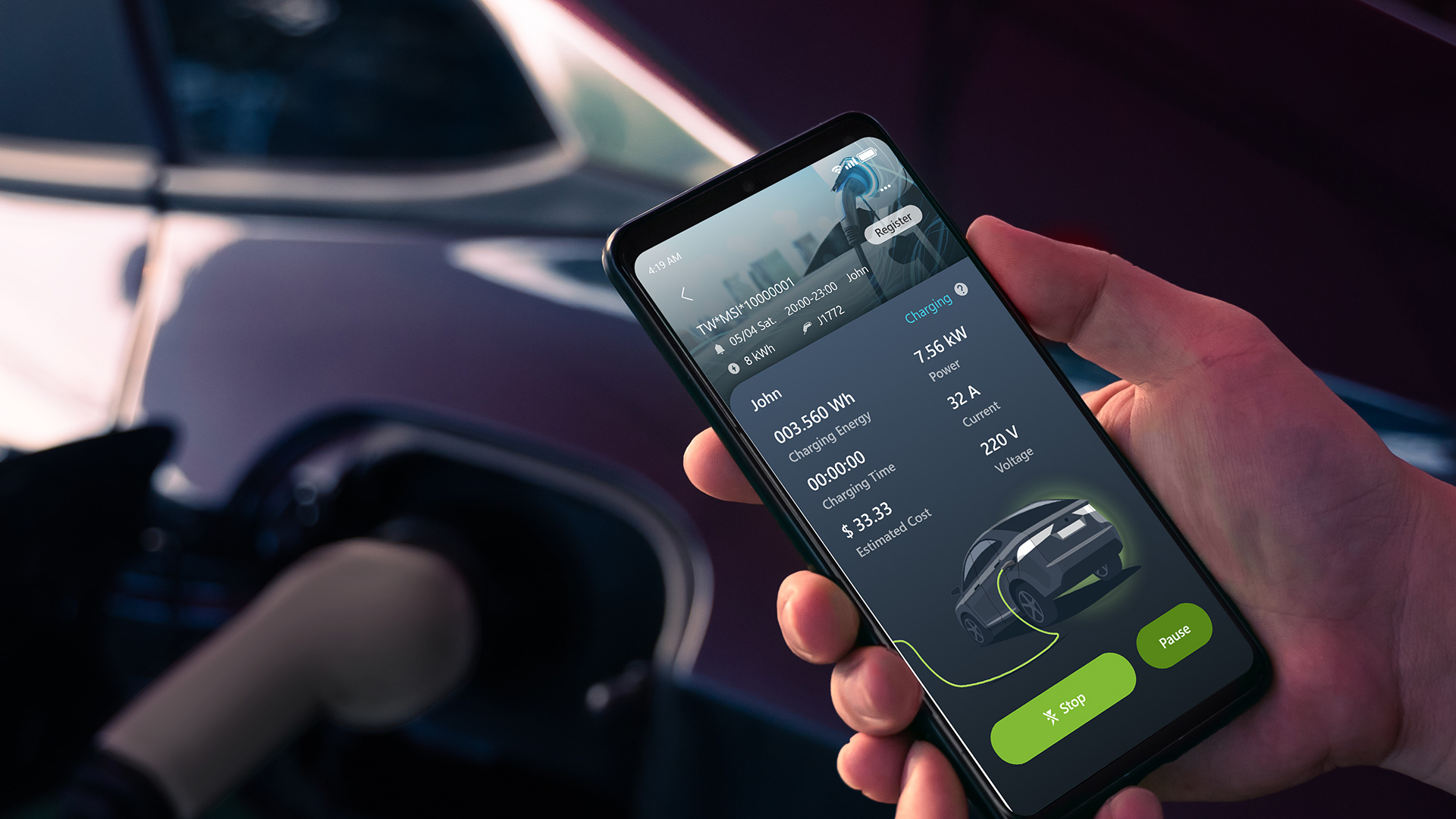
Charge Smart with MSI aConnect
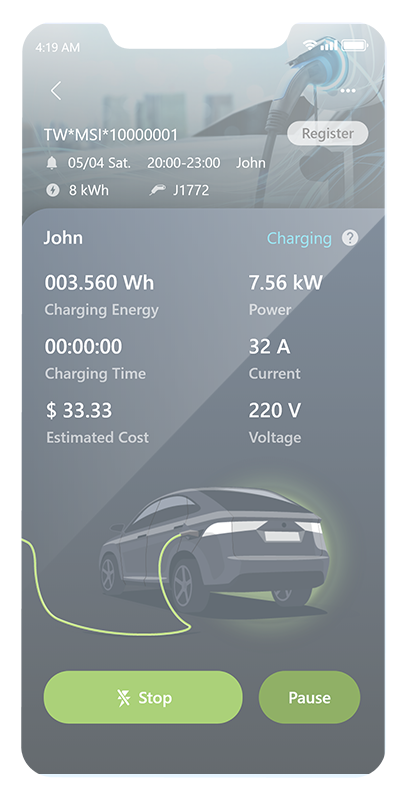
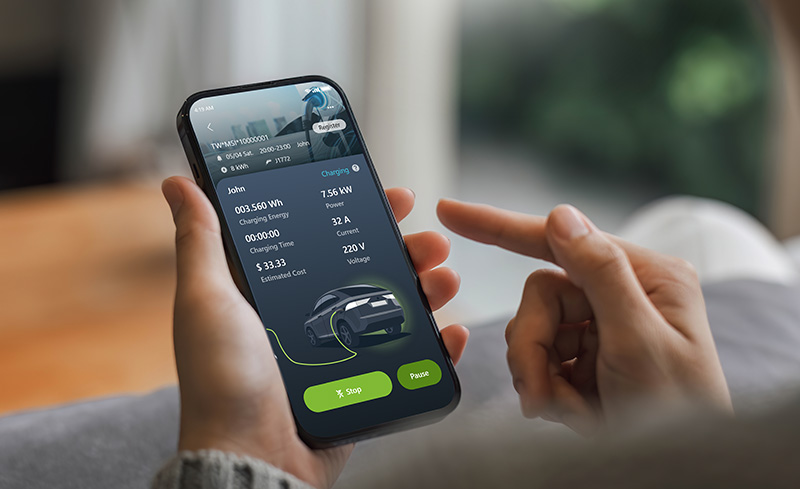
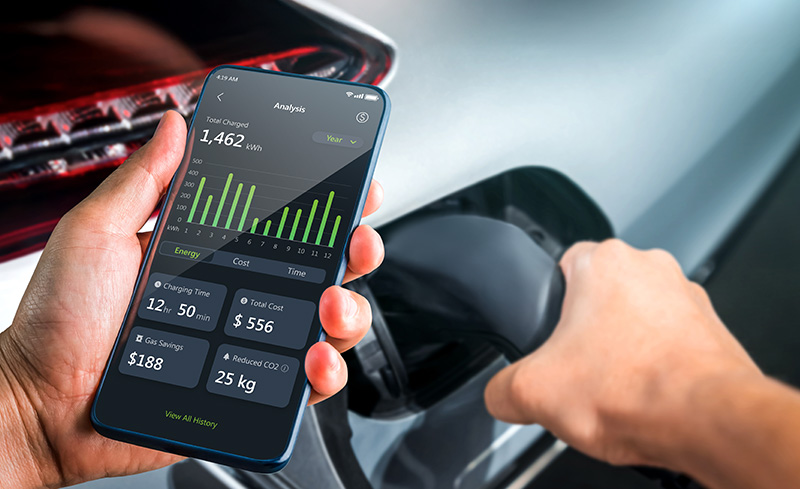
Put every part of home charging in the palm of your hand. View your live charging status, set schedules for delayed and off-peak charging, and review easy-to-read energy charts.
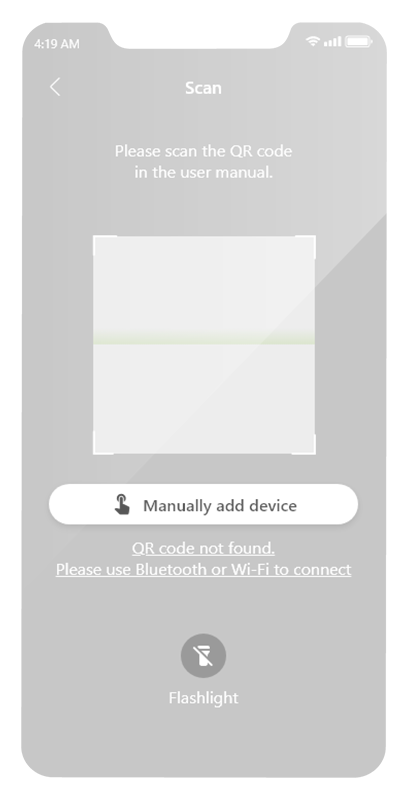
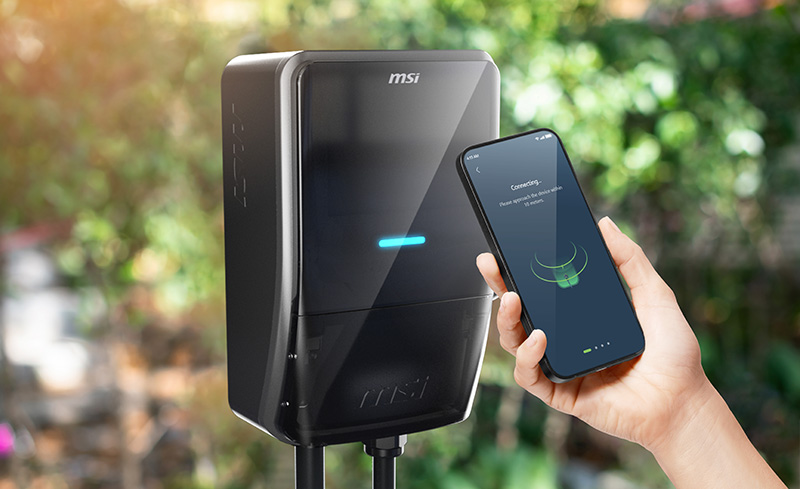
In just 30 seconds, add your charger manually or with a quick QR scan.
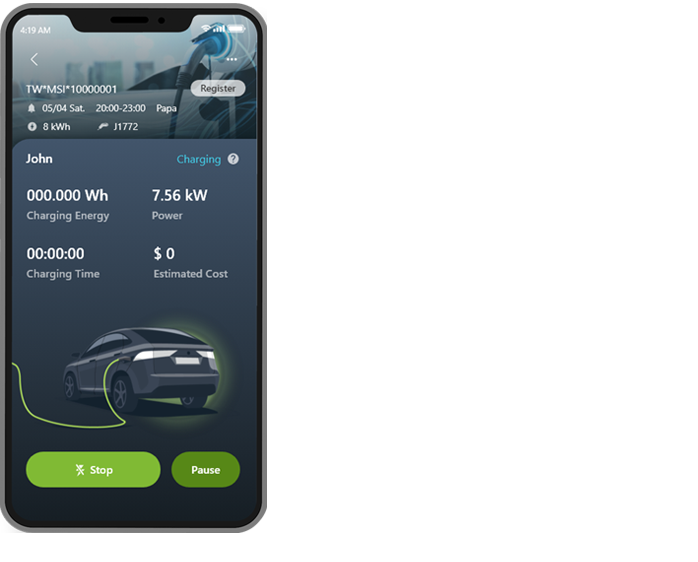
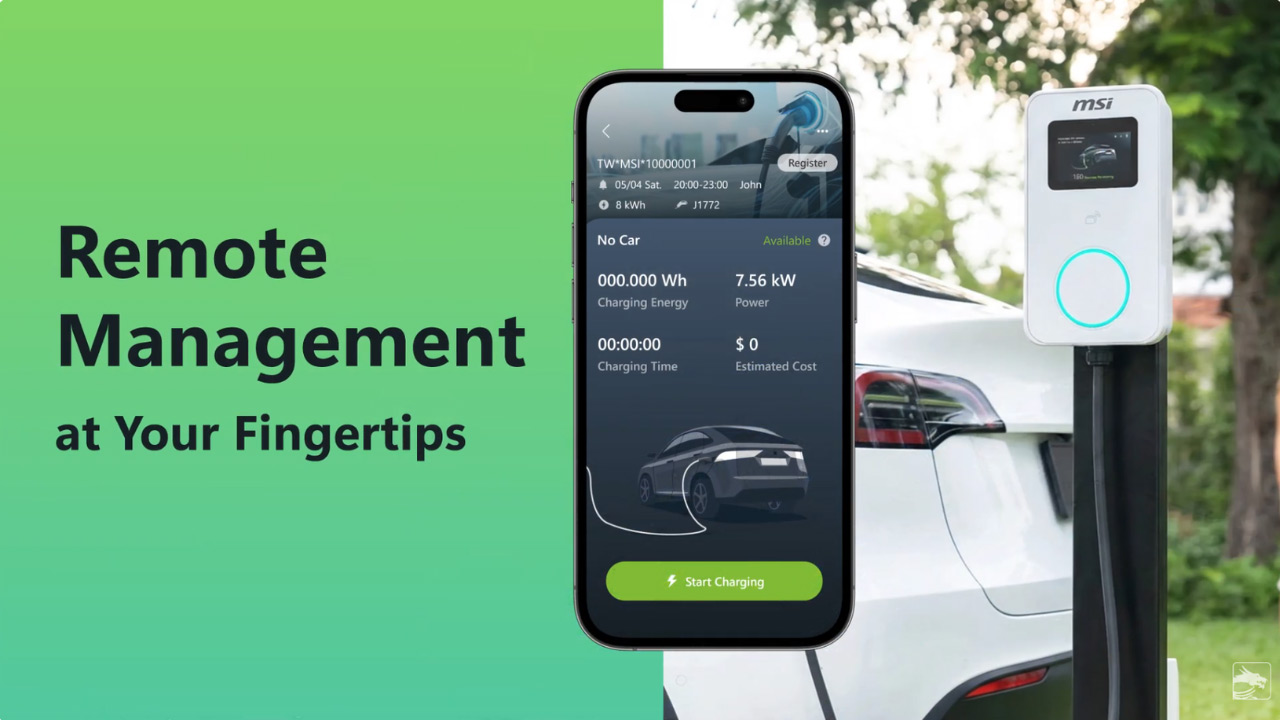
Check charging status and start or stop charging from anywhere.
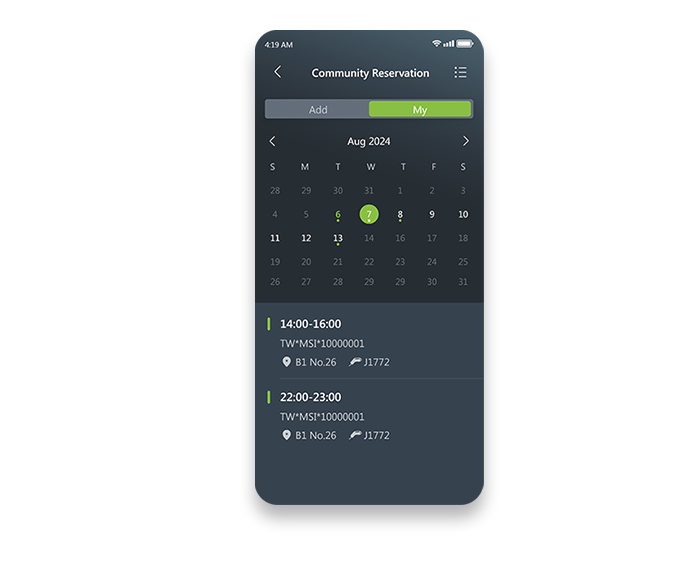
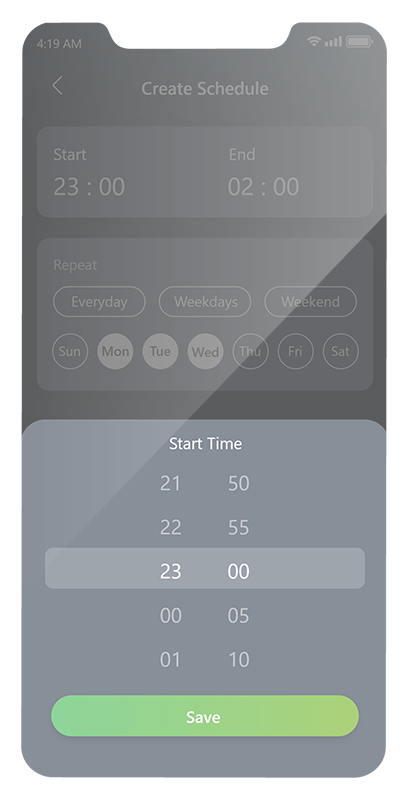
Define customised charging schedules and reservations to charge during off-peak hours. Maximise charging efficiency and keep your electricity bill down.
*The EZgo supports only deferred charging.
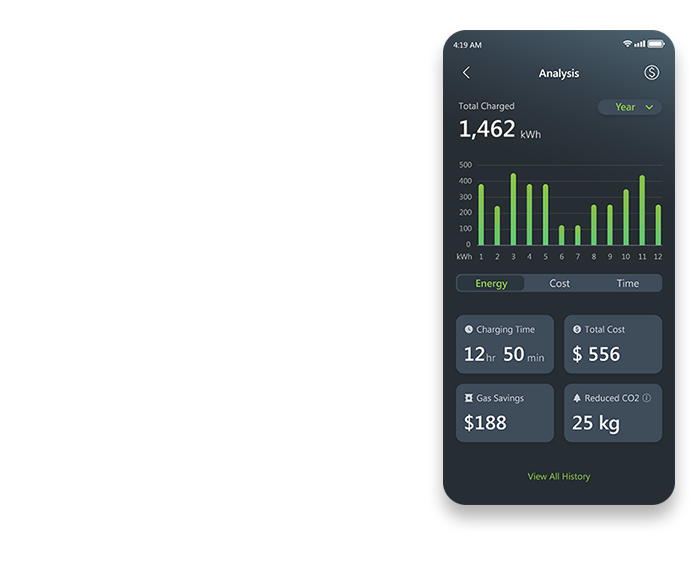
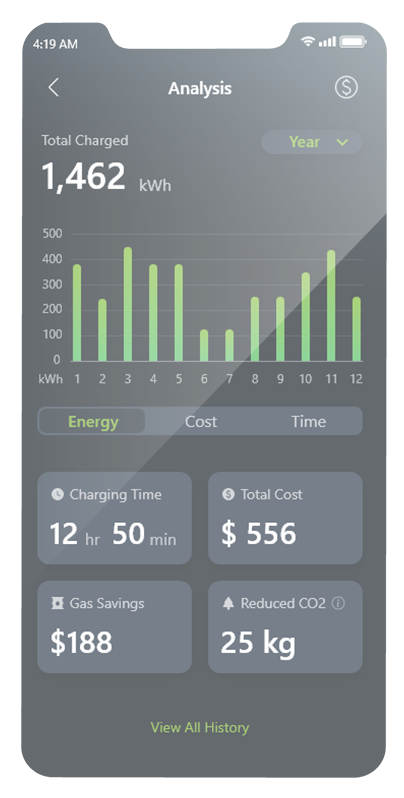
See your charging patterns and receive individualised tips to optimise your charging habits.
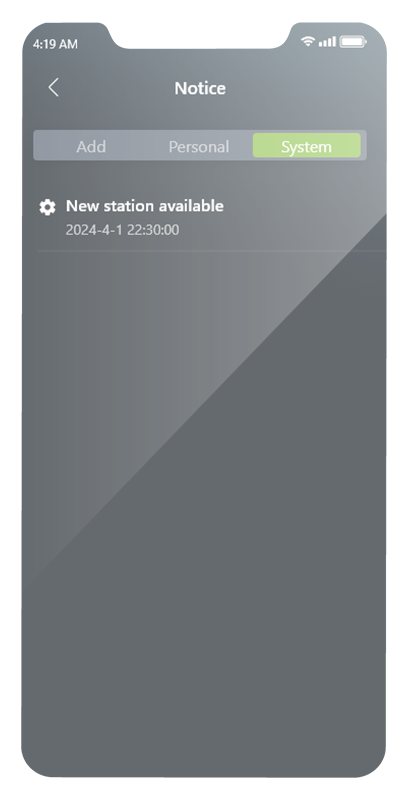
Stay current with push notifications on charging progress and charger status.
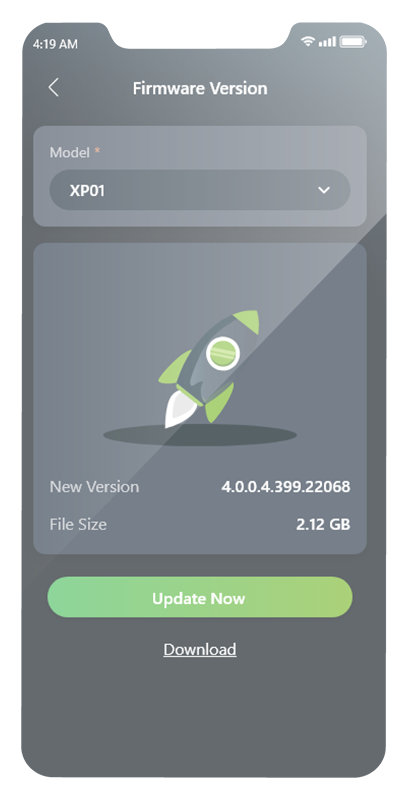
Over-the-air firmware updates keep your charger secure and up-to-date.
Charging at Your Fingertips
MSI aConnect pairs with your MSI charger for live control, easy scheduling and smart maintenance. Check charging status, schedule power transfers and review clear usage reports.

Master Your Energy Costs with the MSI aConnect App
Take full control of your EV charging. Use the aConnect app to schedule charging during off-peak hours, track usage patterns, and lower your electricity bills instantly.
*For EZgo, aConnect supports scheduled start times for charging sessions
Mobile App